

All stories Montréal, Québec
Mark IIHardware
Where does your voice go?
Eleven seconds. That’s enough time to hear a Mark II take a question and read the Montréal forecast out loud. Seven degrees, cloudy, feels like four. I’ll leave the jacket decision to you. What interests me is what the original Raspberry Pi 4 did between those two voices.
Resume at bookmark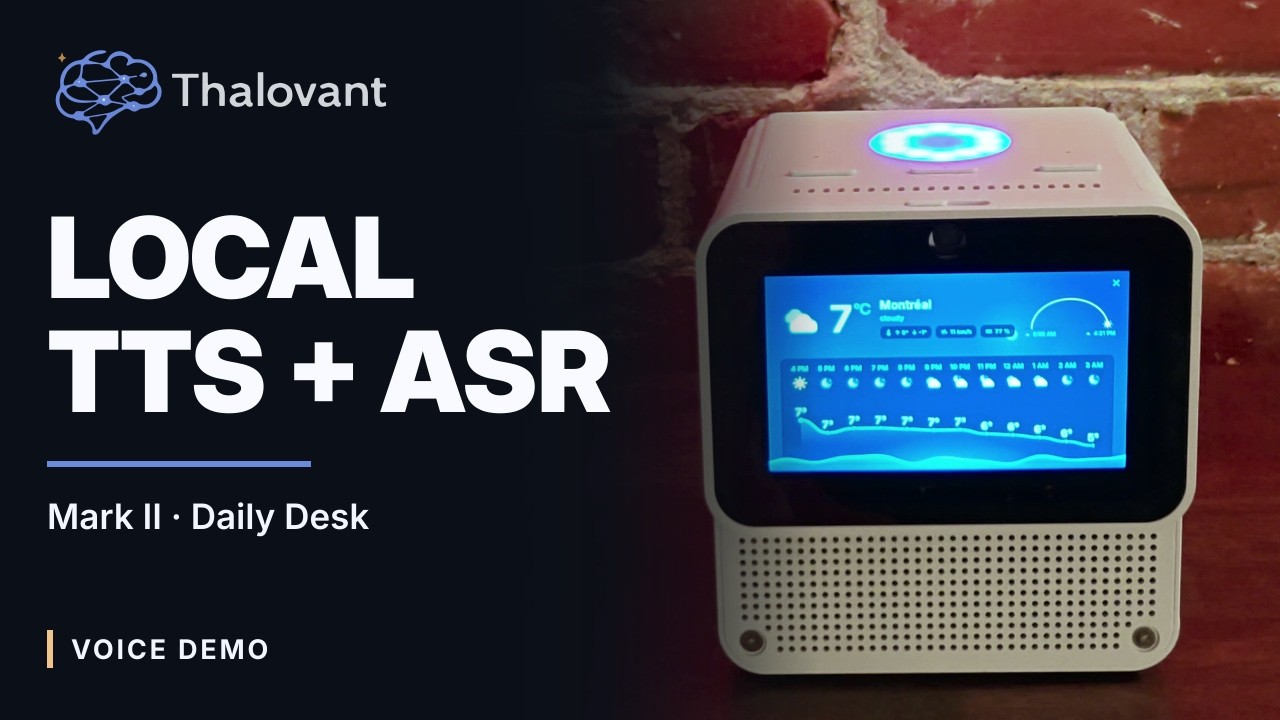
Read or replay the exchange
English audio
Visitor
What’s the weather like?
Daily Desk
In Montréal it is 7 degrees and cloudy, feels like 4. High 9, low minus 1.
What the clip lets you hear
Listen once with your eyes off the screen. The spoken question is short. The answer gives a current temperature, a feels-like reading, a high and a low. Now replay the exchange and look at which part needed up-to-date information. The Pi could recognise every word of the question and still have no idea whether Montréal needed a scarf. Getting the words right and getting the weather right are two different jobs.
Follow the text
The Mark II runs Flutter Pi on its original Raspberry Pi. When you ask about the weather, that Pi turns your voice into text. That’s local speech recognition (ASR). Daily Desk receives the text, and its weather skill looks up the forecast. A text reply makes the trip back. The voice you hear from the speaker comes from speech synthesis (TTS) running on the Mark II.
Got a speech server already?
In the clip, both speech jobs run on the Pi. The weather skill can still go online for a fresh forecast, which is handy when Montréal changes its mind halfway through the day. If you run a speech server of your own, a compatible Thalovant client can use it for recognition or synthesis. Daily Desk gets the text either way.
Four numbers, one jacket
Read the answer in the transcript and give the four numbers names. Seven is the air temperature. Four is how it feels. Nine and minus one are the forecast high and low. If you only catch “minus one” as you pass the speaker, the number is accurate and you could still get entirely the wrong idea about the walk you’re about to take.
That’s what I listen for in a weather skill. The words beside a number do some of the most important work. This reply comes directly from the weather skill, which puts its readings into a sentence. The Pi supplies the speaking voice. It takes no AI writer to tell us it’s cloudy.
What to draw between questions
A speaker can spend an entire afternoon waiting for eleven seconds of conversation. On the Mark II that leaves an 800 × 480 screen looking for an occupation. The Journal cover has twelve seconds from the Montréal idle scene we draw for it. The clip above was filmed on a real Mark II. For the city clip we ran the display software off the device and recorded its output at twice the panel resolution, so you can see the drawing up close.
The city in that recording is set to October 22, just after six in the evening. The maples keep their autumn colours as the light goes. I’d happily keep the screen for the weather, but the little stretch of Montréal in between questions gives me a reason to look up even when I already know it’s raining.
Keep your eye on one cabin
Play the idle animation on the Journal cover. Watch one cabin on the Grande Roue as the wheel turns. Its floor stays level. In a single still, fastening a cabin straight to a spoke would look convincing. Let it travel half a turn and you’ve just turned an observation wheel into a rather alarming ride.
Replay the same twelve seconds and look farther back this time. The beacon at Place Ville Marie sweeps across the sky. One slow movement belongs to a machine down by the water, another to a light high above the rooftops. Keeping the foreground and distant landmarks moving at their own pace gives the drawing depth even on the little panel above the speaker.
A useful way to read that forecast
Here’s how I’d follow up if the answer sounded odd. Was the city name recognised correctly? Compare the spoken question with the text the client sends. Did the forecast itself look right? Look at the skill’s reply. Was the text fine and the pronunciation funny? That brings us back to the voice on the Pi. Once you can see where a sentence changes hands, you have a sensible place to start looking.
Try the full walkthrough with that in mind. There’s an ordinary little pause between the question and the answer. You now know how much happens in it.